



FINANCIAL
MANAGEMENT APP
Our mission was to simplify complexity—bringing together budgeting, investment tracking, financial planning, and alerts into one coherent, intuitive experience. Every feature was purpose-built to feel personal, immediate, and empowering
- UX & UI Redesign for Mobile & Web
- Budgeting & Expense Analytics
- Secure Bank & Investment Integrations
- Real-Time Notifications & Alerts
- Custom Dashboard & Visual Reporting
- Onboarding & Behavioral Nudge Design
⬤ 01. Finance Flow Redefined
From Account Linking
to Insight in Minutes
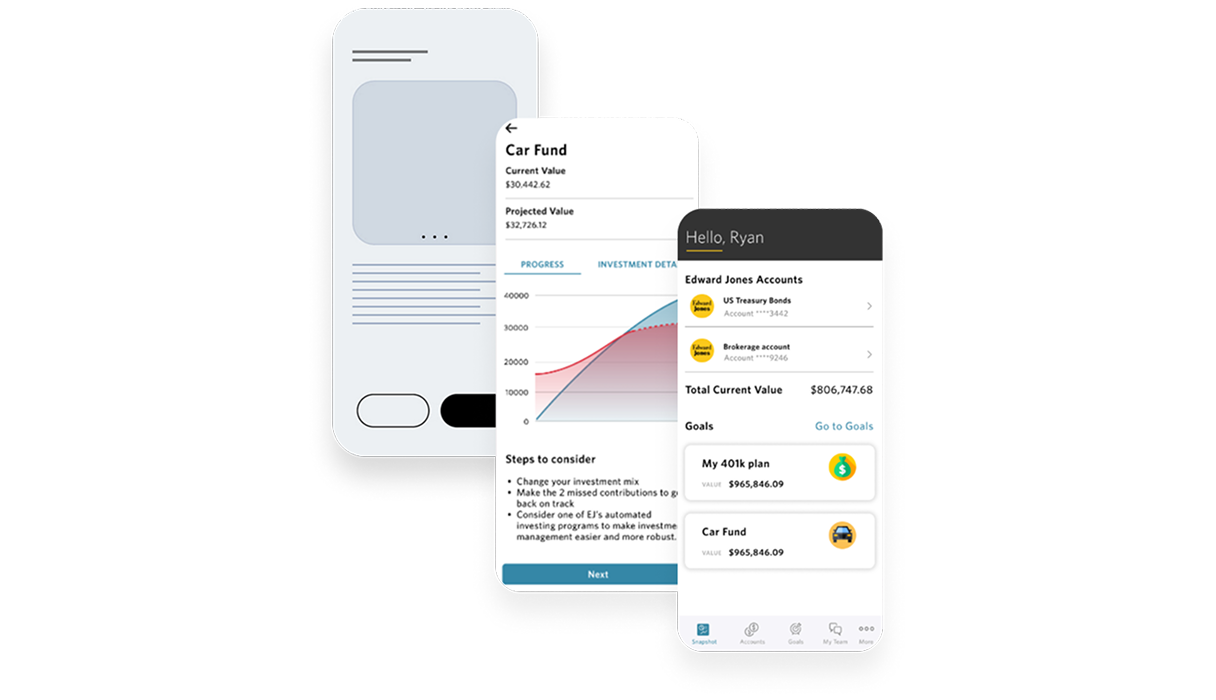
We redesigned the onboarding and account connection process to be near-frictionless. In under two minutes, users can link multiple bank and brokerage accounts, see real-time balances, and set their financial overview—guided by clear feedback and progress milestones.
Expense Categorization
- Automatic tag suggestions
- Custom category creation
- Real-time spend vs budget alerts
- Weekly rollover balance tracking
- One-tap manual adjustment
Savings Goals
- Goal setup wizard
- Milestone progress indicators
- Predictive timeline projections
- Auto-transfer reminders
- Shareable progress summary
Investment Overview
- Consolidated portfolio snapshot
- Asset allocation visuals
- Gain/loss summaries by asset class
- BAlerts for market movements
- Suggested rebalancing nudges
⬤ 02. Experience
Data Presentation That Resonates
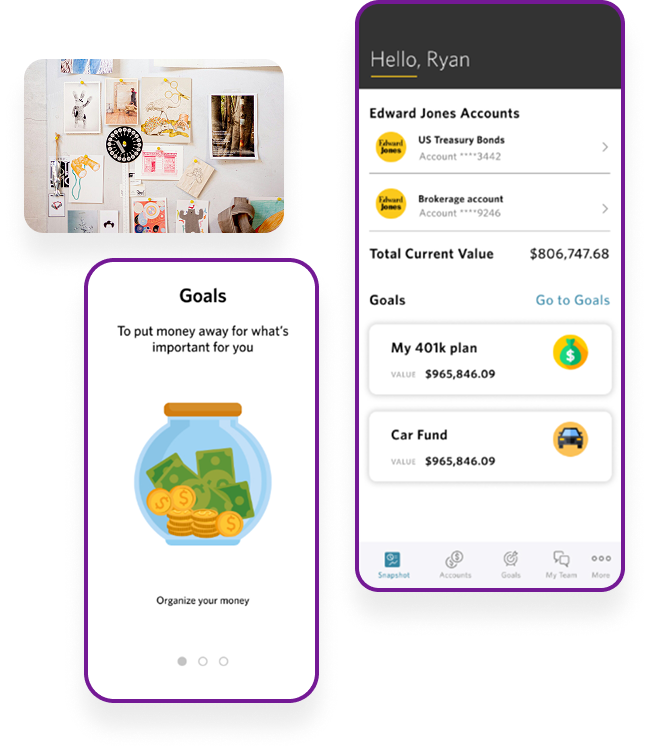
Numbers matter—so design needs to underline meaning. We built a visual system that balances clarity with calm: gentle color coding, intuitive iconography, and dynamic data points that draw attention to what matters most.
Visualization design followed real behavior patterns, not dashboard templates. Our charts, timelines, and summaries were driven by user test results—ensuring insight without overwhelm.
⬤ 03. Dashboard Hub
Your Financial Command Center
Users needed one central place that was at once panoramic and actionable. We created a hub where budgets, investments, bills, and goals live together—each module updateable in place, with contextual tips and alerts subtly embedded.
Deep linking and contextual actions meant users could drill down from summary cards into full views without ever leaving the hub, bringing speed and efficiency to daily checks.

⬤ 4. Admin & Support Platform
Tools That Keep the Platform Running Smoothly
For internal teams, we built a companion portal with real-time sync monitoring, support ticket dashboards, and user behavior analytics. Help agents could see session logs, recent transactions, and alert histories—within a unified UI—so they resolve questions faster without asking users to repeat themselves.
Data flags for suspicious activity or failed syncs fed into automated resolution workflows, reducing both risk and support load.
⬤ 5. Live Validation
Launching with Confidence, Refining in Flight
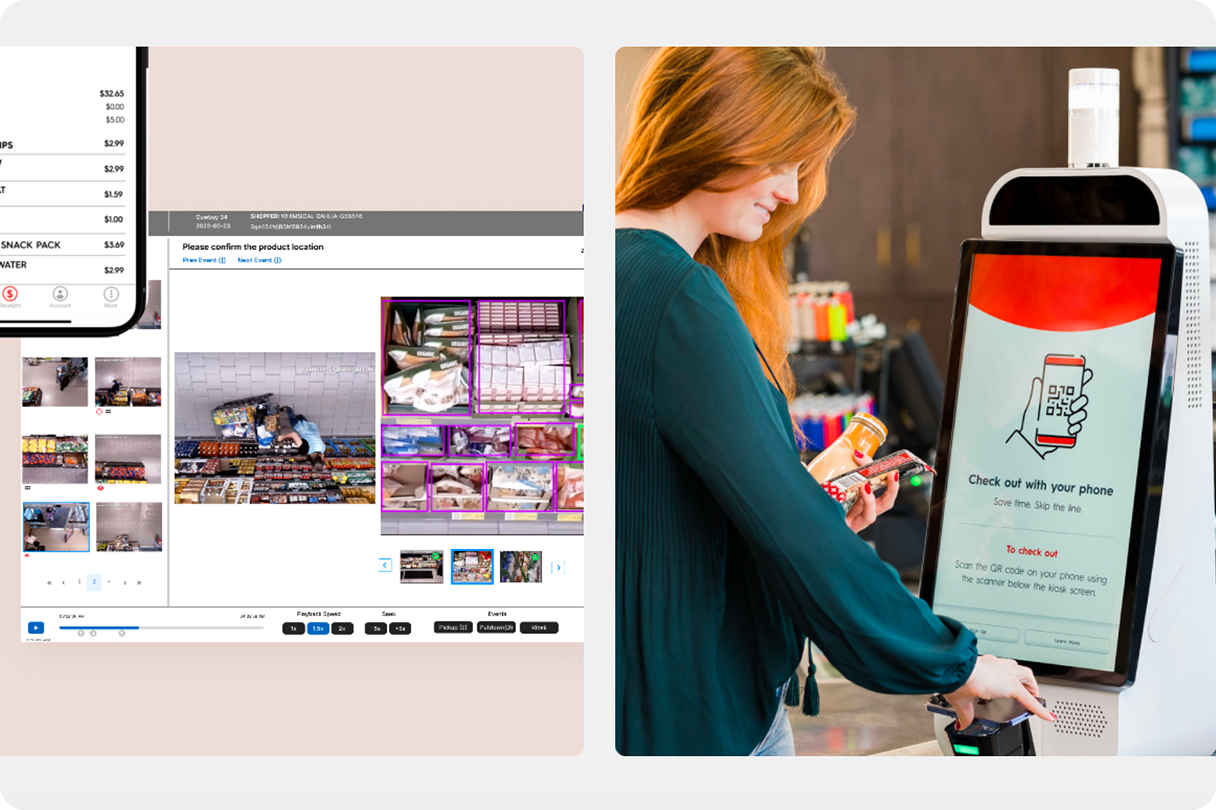
Every real-world hurdle was treated as an optimization opportunity—not a patch. The platform improved steadily post-launch, mirroring user needs rather than internal roadmaps.
The Results
+31% increased users
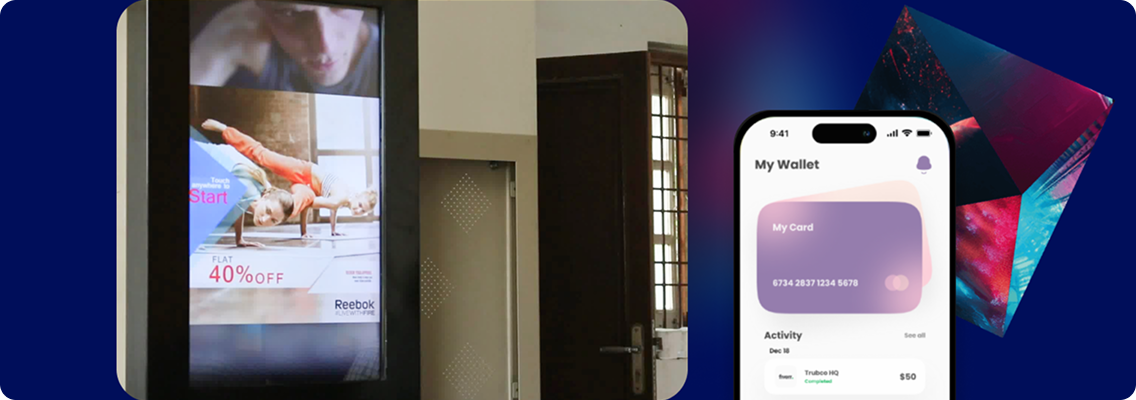
Post-launch, first-attempt account linking rose by 55%, while support queries tied to categorization dropped by 30%. Monthly active users climbed 45% within eight weeks, and app ratings averaged 4.7 across all updated markets—clear signs of improved usability and trust.
James Smith
Co-Founder, Abc Tech